
Mimo
SZ DJI Osmo Technology Co., Ltd.
Downloads
1,000,000+
Source
Google Play
Advertisement
Click to download now, finish the installation quickly, and directly unlock the all-round experience
Advertisement
Screenshots
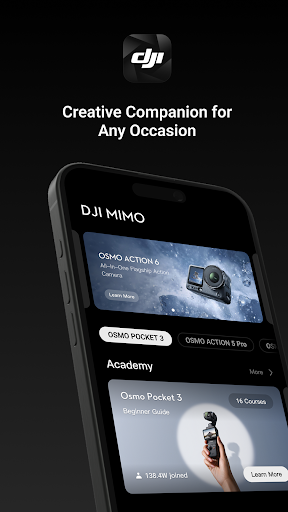
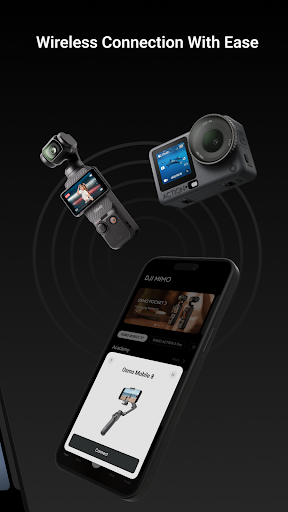
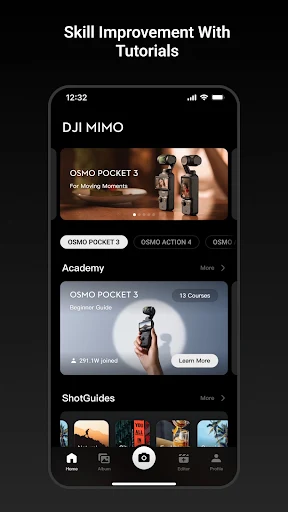
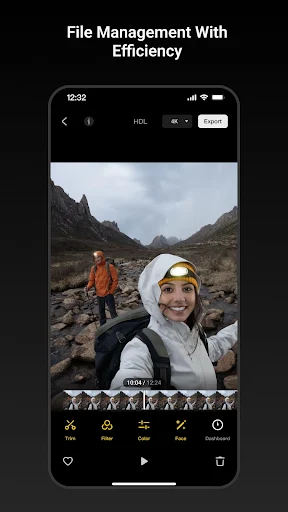
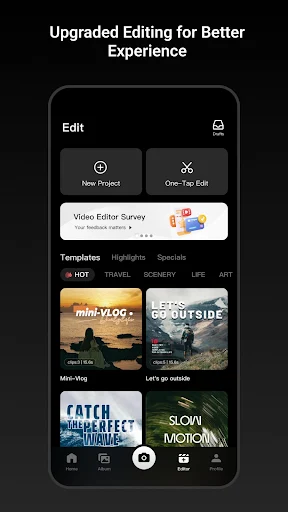
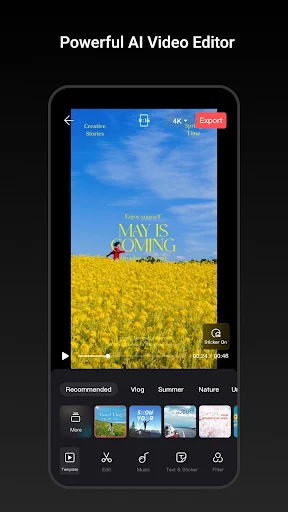
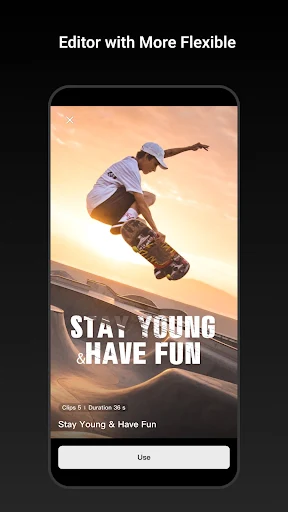
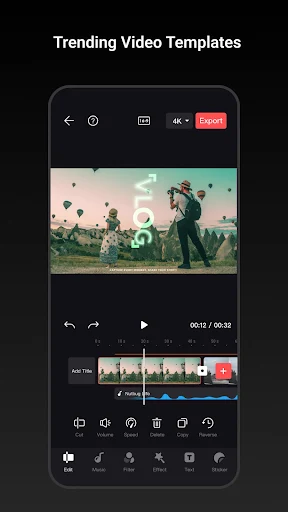
Click to download now, finish the installation quickly, and directly unlock the all-round experience
Mimo is a companion app for controlling and working with footage from DJI handheld imaging devices. It suits people using supported Osmo cameras, Osmo Mobile gimbals or DJI Mic who want a live camera view and device controls alongside their shooting. The listed supported families include Osmo Pocket, Osmo Action and Osmo 360.
The useful distinction is that Mimo brings capture and editing into one place. It can show a real-time preview and control a camera or gimbal over Bluetooth or Wi-Fi. After shooting, users can work with video editing tools, templates, filters, color grading and beauty mode. That makes it a practical choice for someone whose workflow already depends on compatible DJI hardware, rather than a general-purpose editor picked for effects alone.
Mimo’s case rests on its connection to DJI devices. If you mainly take pictures with a phone and do not use compatible equipment, its remote-control role has little to offer; a standalone camera or editing app may fit better. The editing options matter most when you also want to shape footage made with the connected gear. This is a focused companion, not a necessary addition to every photography setup.
SZ DJI Osmo Technology Co., Ltd. is the developer. The app has 1,000,000+ installs, but its 2.41 rating across 5,775 ratings is a clear reason to weigh fit carefully rather than assume broad approval. For DJI handheld-device owners, the specific control and preview functions may justify trying it; for everyone else, those functions are not much of a case. The sensible pick depends on whether DJI hardware is already part of your kit.